Contents
- Index
- Previous
- Next
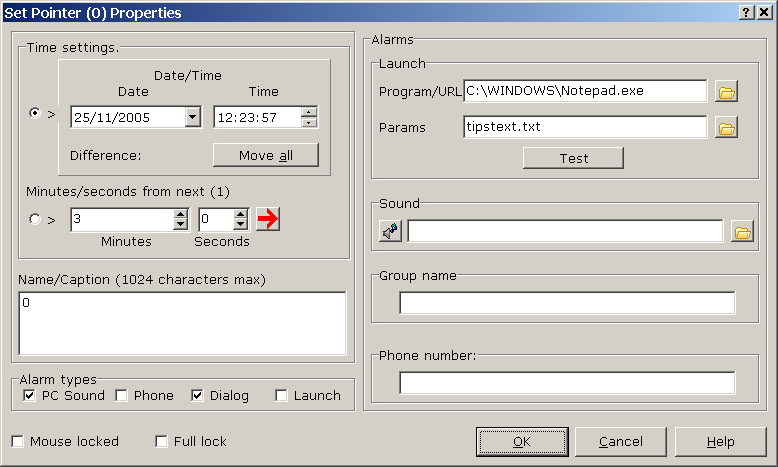
Time Pointer properties dialog:
Accessed for the currently active timer by either right clicking over the required timer or from the main menu Timer>Properties.
Note that properties will be modified according to the following order.
1) If the lock state of a timer belonging to a group is changed, the lock state of all timers in that group will have the same setting applied - whether or not there's a selection.
2) If there's a selection, that is, one or more timers have been selected, the changes will be applied to all in the selection but see 1).
3) If there's no selection but the timer belongs to a group you'll be given the option of applying changes to all in that group but see 1).
4) If there's no selection and the timer does not belong to a group only that timer (the active one) will receive the changes except as in 1).
Click the graphic for more information.
Copyright© 2004:2006 Gordon